
Techniques

Here at SketchUpArtists we have always been fascinated in experimentation with SketchUp alone or in combination with other different applications in developing unique and visually attractive styles of presentation. We have witnessed some great styles and techniques that have evolved over time and here we are presenting some off site and on site links to them. Some classic stuff here but still useful today.
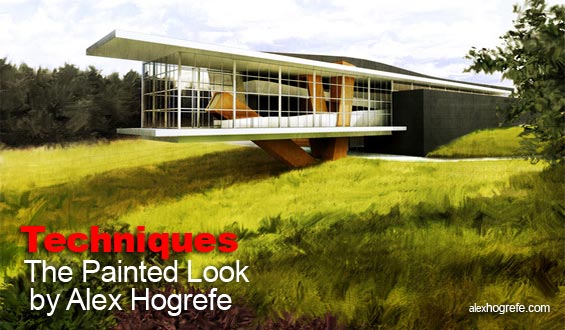
The Painted Look by Alex Hogrefe With this technique Alex does things manually giving him better control with where and how he creates his brush strokes. This is a superb painterly effect that will really impress and add a new dimension to your images. Don’t forget to check out Alex’s website….excellent tutorials and tips!
Click on image to view technique
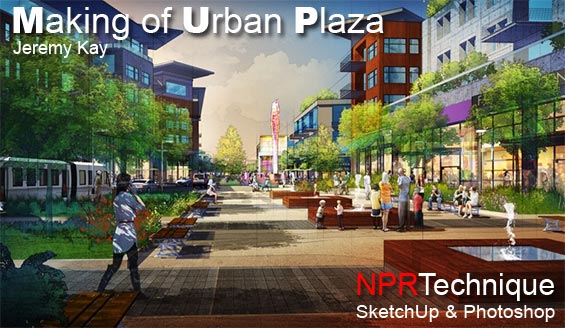
Digital NPR Technique by Jeremy Kay Superb NPR technique by designer and architectural illustrator Jeremy Kay from studioJDK based in Aspen, Colorado. With a SketchUp model to work from, Jeremy turns out an amazing little piece of art…great style and painterly effect, using only Photoshop. Lots to learn here….(first posted on the ronenbekerman Architectural Vizualization Blog).
Click on image to view technique
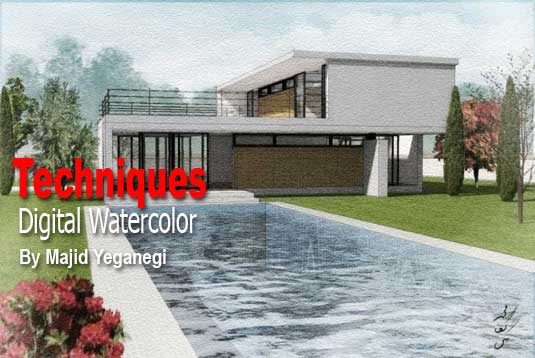
Digital Watercolor Technique by Majid Yeganegi In this tutorial we are going to achieve a nice digital watercolor render using SketchUp and the new render engine Twilight Render. We will also do a little post-processing with Photoshop (or your desired photo editor). This effect could also be achieved using any render engine that is based on MLT algorithm that will produce a whole vision of the scene while it is ‘noisy’. I have tried to use ‘noise’ as a possibility and part of the process.
Click on image to view technique
Producing a Digital / Watercolor Hybrid Architectural Rendering by Ernest Burden III Here is an overview of the process as done on a few of my recent renderings. I am not listing each and every step because I am targeting this to professionals who will already be familiar with most if not all aspects of this process… You can see more architectural rendering samples by the same author at Acme Digital.

Click on image to view technique
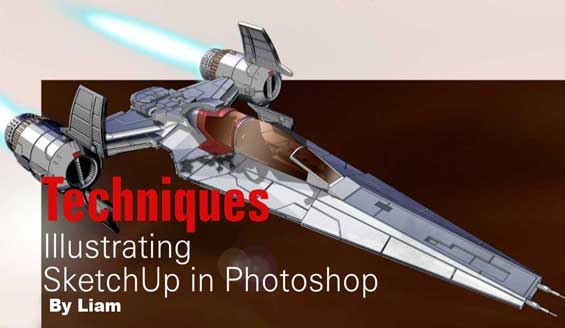
Illustrating SketchUp in Photoshop by Liam Here is a short tutorial on how I illustrate my models in Photoshop. I don’t have a direct render engine for SketchUp and was fed up of importing my models into Lightwave or MAX so started painting them in Photoshop instead.
Click on image to view technique
Sketchup + Xara- A Digital Watercolour by Ross Macintosh Here’s an approach to digital watercolors by Ross Macintosh. Although he uses uses Xara Xtreme, vector illustration software, the techniques could likely be adapted to other image editing programs that support ps-compatible plug-ins. We think that this technique is quite flexible and offers lots of possibilities.
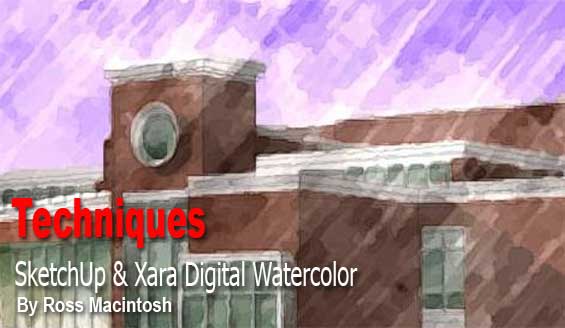
Click on image to view technique
Click on image to view techniqueThe Richard Technique by Richard Jeffrey To quote the author ” Personally I like the effect and when it is printed from the original 6Mb file it looks so real and as a sketch it is rather scary”. The process is somewhat similar to the ‘Dennis Technique’ and stems from the discussion about Dennis Technique. This technique is also featured in the recently published book – SketchUp 7.1 for Architectural Visualization: Beginners Guide by Robin de Jong.
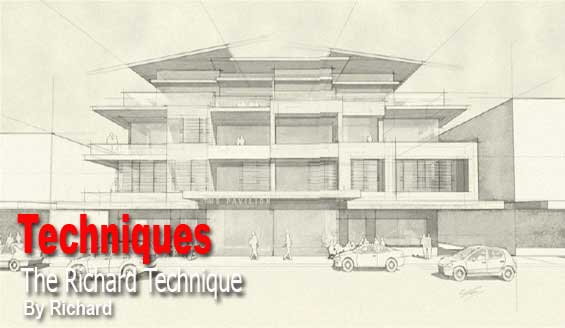
Click on image to view PDF
Watercolor Technique by Jan Sandstrom(Pixero) “I’ve been trying to achieve watercolor look in Photoshop and here is some thoughts of mine:First, I haven’t yet seen any of you actually use a watercolor paper texture with the right grain. To me it looks like either burlap or canvas. I also think anything believable must contain human mistakes and simplifications”.
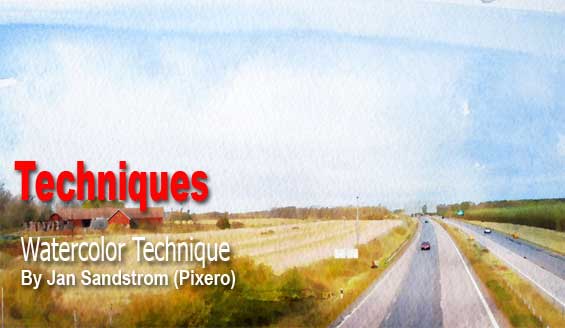
Click on image to view technique
Watercolor Techniques by Majid Yeganegi See some various styles developed by Majid Yeganegi in these two threads here and here. Thanks also too ‘PKast’ for describing those actions in the same thread : ” Thanks Majid. I think you use some interesting techniques in your style, a little bit different from the others. I learned a lot by studying your actions. I also like the idea of using actions to quickly get through the tedium of repetitive tasks.” Further links to Majid’s Tutorials – Digital Watercolor, Fake Render and Finer Shadows and Edges in Podium Renders.
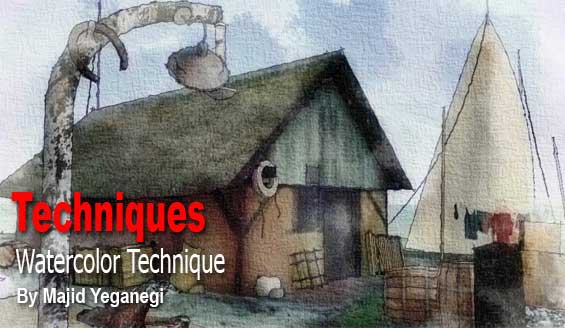
Click on image to view technique
Creating a Mixed Media Image in Photoshop by David Huang This tutorial was originally written for the Podium forum. The intent is to use Photoshop to combine a rendered image with SketchUp’s linework for an illustrative semi-realistic quality (as opposed to pure photo-realism). Podium is a simple to use rendering plugin which runs directly in SketchUp, but any render software can be substituted.

Click on image to view technique
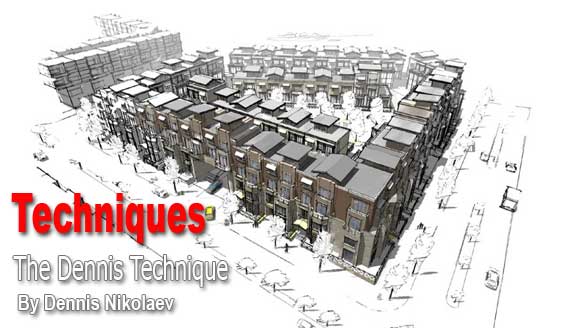
The Dennis Technique by Dennis Nikolaev Probably the most widely used technique was developed by Dennis Nikolaev at the former SketchUp forums. The secret here is in exporting three images the color texture with shadows, line art and line art with shadows, overlaying and manipulating them in Photoshop. Over time, there has been many many variations that have developed out of this original style. Here is the original thread and here a link to the original PDF tutorial. This technique is also featured in Robin de Jong’s book – SketchUp 7.1 for Architectural Visualization: Beginners Guide .
Click on image to view PDF
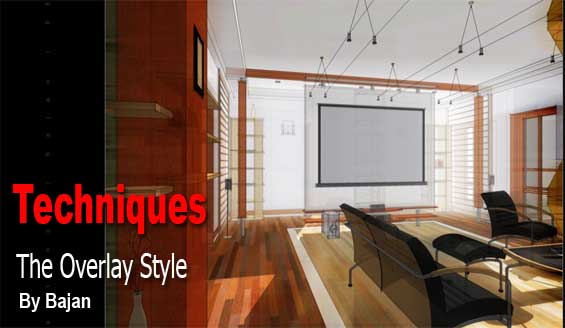
The Overlay Style by Bajan Here is another great Photoshop technique. It is called the ‘Overlay’ style because the main trick is to overlay two images in Photoshop, thus producing a fat colored, light burned image . Exporting two images from SketchUp, first colored with textures and shadows but without edges and second colored with textures shadows and edges and X-ray mode turned on. The post process in Photoshop is simple but effective. The original technique was posted here. The complete PDF tutorial here or click on the image below.
Click on image to view technique
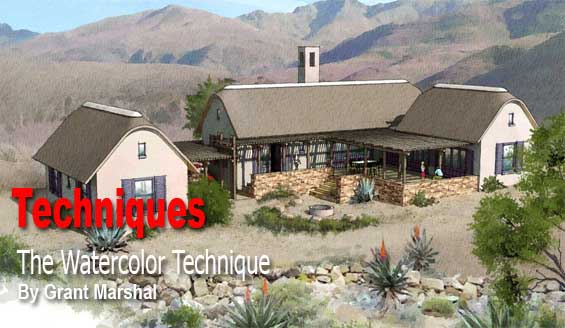
The Watercolor Technique by Grant Marshal Another one of the great techniques probably the best watercolor styles we have seen, was developed by another member of the old SketchUp forums Grant Marshal, Architect from South Africa. See more on Grant Marshal’s work here…
Click on image to view technique
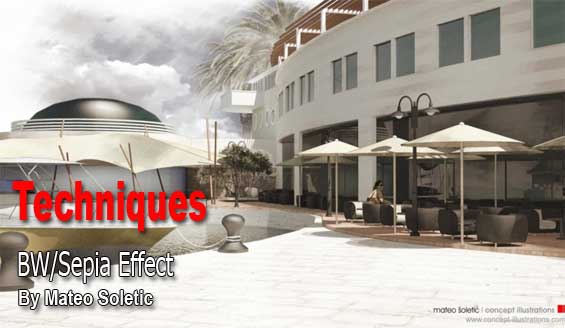
The BW/Sepia Effect by Mateo Soletic For some time now I have been experimenting on various techniques in the aim of producing high quality CG professional render output, yet one with a subtle brush and line work touch that resembles the natural effect of SketchUp. Should there be more line or less brush it is all a matter of preferences but the combination of two overlaying images, the natural SketchUp export and rendered image with a post process effect in Photoshop gave me this final Marina Scene image.
Click on image to view technique
The Sketchy SketchUp Technique by Lentexx Another Photoshop technique variation on the ‘Dennis Technique’. In this case a Masonite paper watermark was used. Three different images were exported and combined into one . Motion blur was used to make the image a bit sketchy and a ripple filter can also be used.
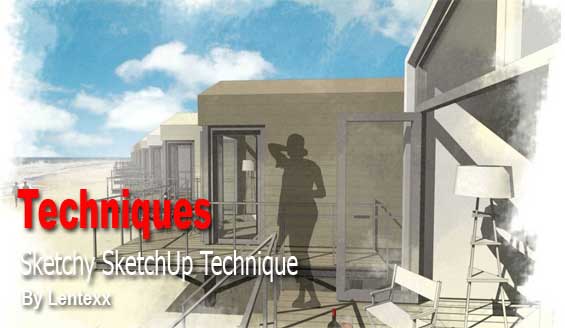
Click on image to view technique
SketchUp Post-Processing Tutorial by Rob Moors In his post-process tutorial Rob Moors will be creating from a basic SketchUp image, a customized render.
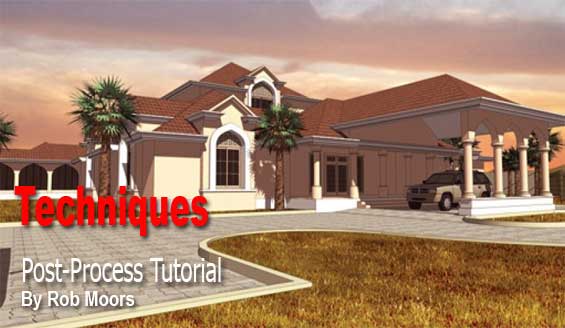
Click on image to view PDF
If You have developed some interesting styles of your own or if you know of some great techniques out there that would be of interest to the SketchUp community please contact us. Thank you for visiting.
Profile Builder 4

Artisan Organic Toolset

PlaceMaker Version 3

Skimp Pro Import Extension

BIM Bundle Special Offer!

SketchPlus Artist Bundle !

Bevel Tool

V-Ray 5 for SketchUp E-Book
Great effort guys thanks very much.
Been looking for something like this for a great while… THANKS!!
Nice work guys, this is a very good resource!
Really, really excellent collection of tutorials for using SketchUp in a more artistic manner: Just what i was looking for.
Hi guyz I am inspired by your stuff. Real creativity! Keep up the good work.
Thanks for good info 🙂
Am impressed of what of d stuffs u have here. Thats Good work men
These are great..Thanks for sharing. God Bless you.
shalom
shalom.muy bueno.
i m reall y greatfull to all of u.Many thk.
You might wan to remove the “Pen and Ink” style by Grant Marshall from this list. It is NOT a digital rendering, it is done in real pen and ink.
He says so right in the link you posted with it. As he said at the time “Gotcha!”
Hi Susan
Thanks for the heads up on this, will look at it again. Thnx 🙂
I can draw and do 3 D sculpture. How can I learn the process of rendering…putting my work onto the computer so make changes, etc. Is there a place to go to school for this in San Francisco area or can I only learn it along with tutorials? Thx from Kathy
very good publish, i actually love this web site, carry on it
Great work!
this is the best collection I’ve ever see!
Thanks!
Thank you so much for sharing!
謝謝您…
Great work
the done a good job its amazing keep it up
picture looks very styles and the techniques also nice…you done a good job keep it up
Thanks for helpful article!
Dear Sir,
Thanks For Shearing Such Information, Your Article And Work In Very Interesting.
Thanks.
thanks so much, long time seaching for this kind of information!