
Styles

Styles are a collection of display settings with options like Watermarks and Sketchy Effects saved in the Styles Palette. These NPR Styles can make your models appear hand-rendered, super-technical and everything in between. You can create, save, organize Styles and share them with others. If you have the Pro version of SketchUp you can use Style Builder to create custom non-photo realistic (NPR) Styles for SketchUp. We currently have the largest collection of free SketchUp Styles, available for download. We hope this Style library will be a useful reference and inspiration in your future creative process.
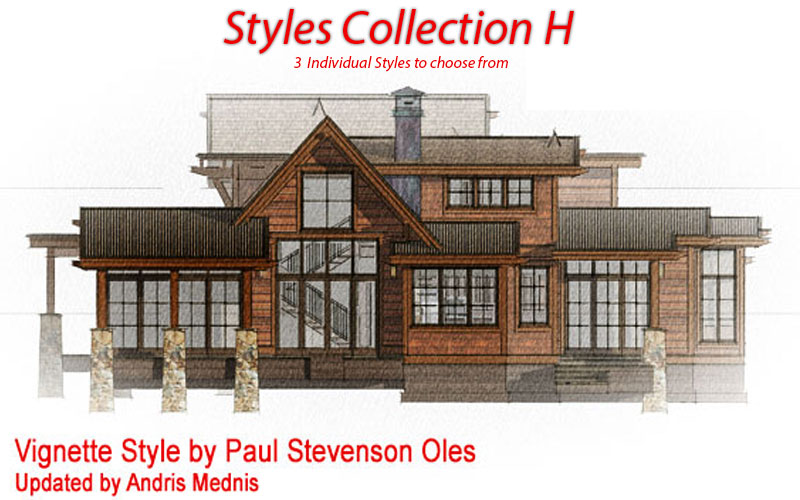
Click to see collection
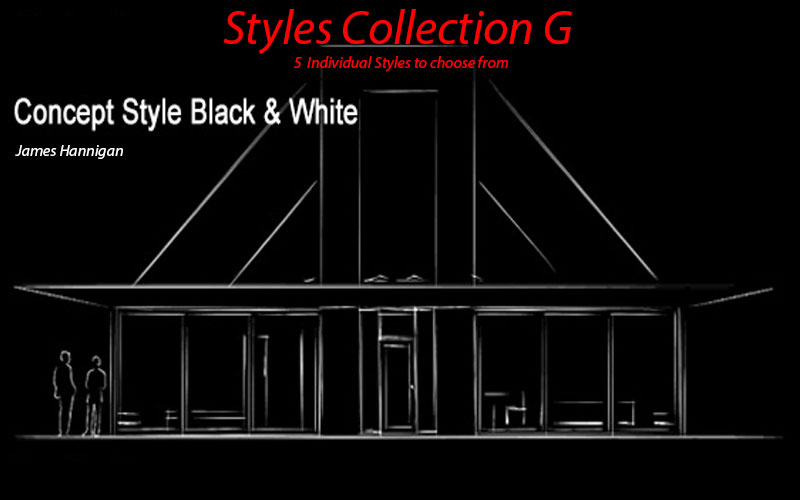
Click to see collection
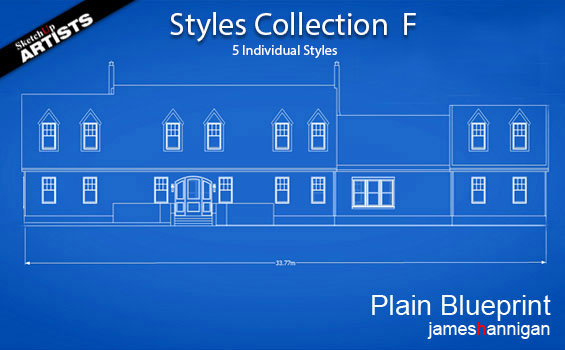
Click to see collection
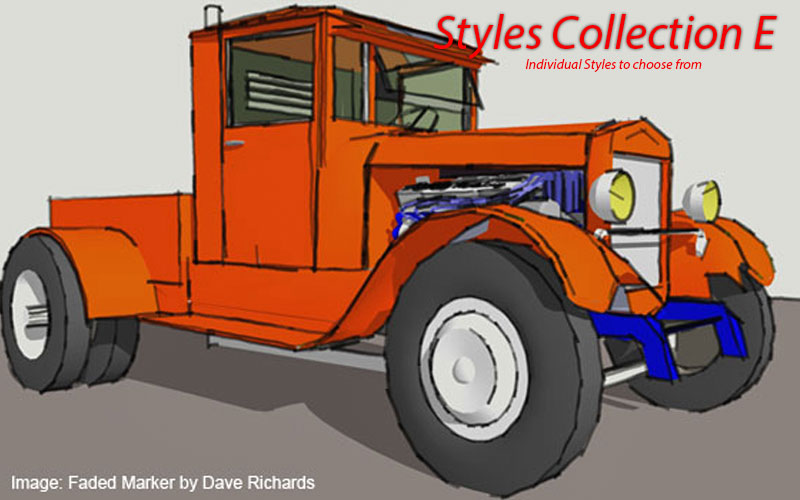
Click to see collection
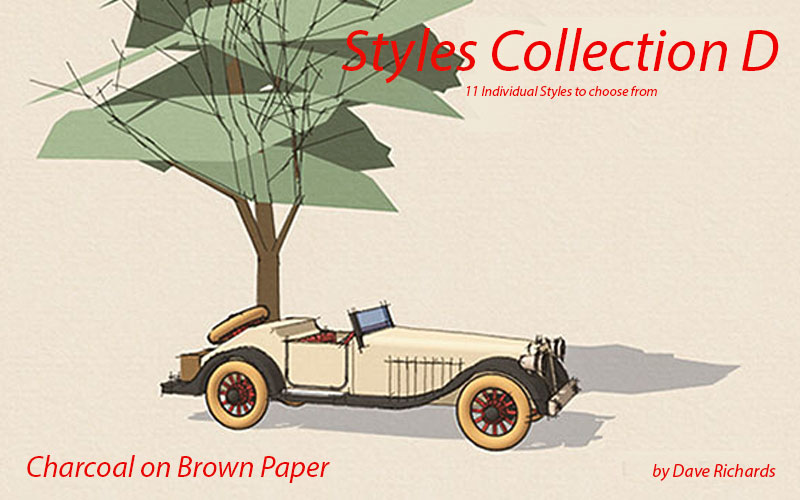
Click to see collection
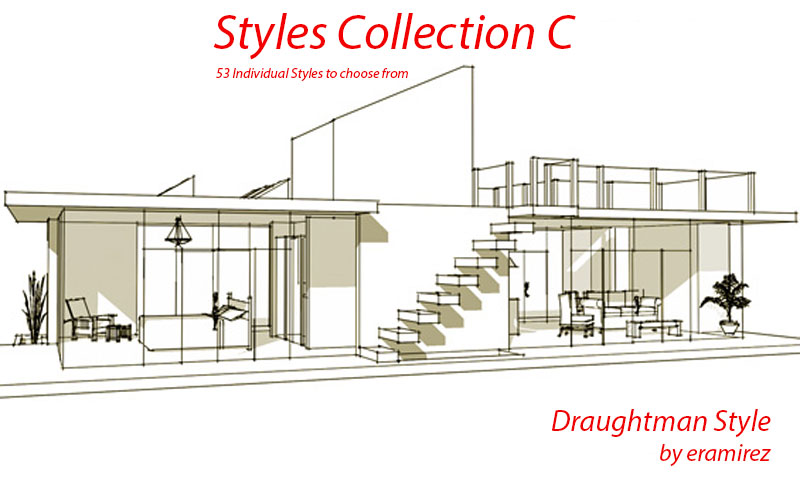
Click to see collection
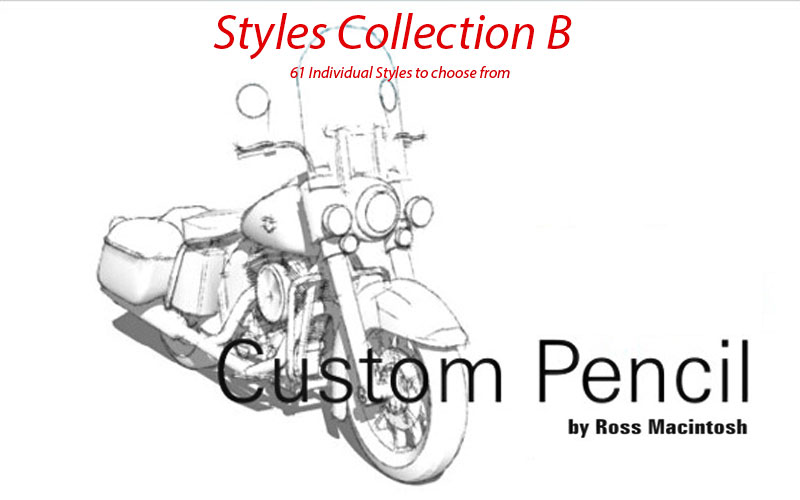
Click to see collection
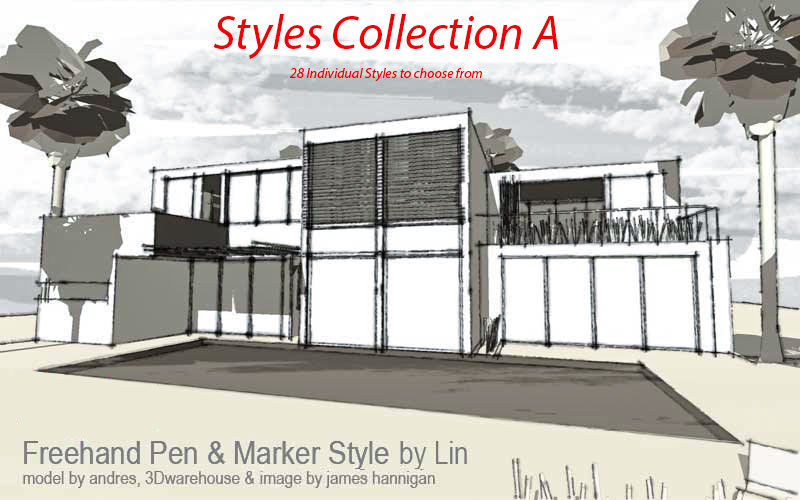
Click to see collection
Styles provide a unique way to visualize models within SketchUp. To learn more on how to create your own Styles, a good place to start would be Aidan Chopra’s 3D Basecamp video session and also check out this link to the basics on choosing and using Styles from the official SketchUp Help Center
Profile Builder 4

Artisan Organic Toolset

PlaceMaker Version 3

Skimp Pro Import Extension

BIM Bundle Special Offer!

SketchPlus Artist Bundle !

Bevel Tool

V-Ray 5 for SketchUp E-Book
thanks you
hi, yeah, styles are great! …is it possible to render animations with styles? …couldn’t find that.
thank you!
Hi Holger
See here, there is some content on rendering using Styles. Podium also does animations http://www.suplugins.com/styles.php
nice styles.. awsome
Thanh sir.
Just ordered Twilight yesterday after using the evaluation version for a couple of weeks and their website and forums went down and I’ve received no licensing info after a day.
I fear the worst. Disappointing cause I love this plugin and I really wanted to buy it.
Hoping it’s temporary.
Seem to be fine now..have fun 🙂
Up and running. Awesome.
How do I find “Styles” I need a watermark and would also like to learn rendering. I make lots of designs using Sketchup but I also use this in combination with Paint, MS Word to shrink or enlarge and I use serif and photo shop. I am just learning and could use some help, especially where to download :Styles” Thank you so much
HGC
Howard, click on the images above to bring you to those specific collections. Then click on images to download the Styles you like….
[…] Styles […]
I’m trying to download some styles but all of the links are broken. Please help!
Links should be fine now.
How do I create a 3D model using this site?
Hi Gillian
Our site has more advanced content rather than beginner, but you can find some tips in our Tips and Tricks section http://www.sketchupartists.org/tips-and-tricks/
You can start here if you want to start learning how to use SketchUp
http://www.sketchup.com/learn
We tend to concentrate more on what you can do with your model after you have constructed it with regards to rendering and post processing….
Hope this helps
Thank you for sharing these – can someone please put a brief note or a link to an explanation of how to turn these into styles that can be loaded into sketchup – thank you for the help with these resources
…trouble I was having was due to the loss of .style extension during download – I work on a MAC – using the OSX native unarchive tool expanded to a folder of .xml files – simply adding the extension .style back did not work for sketchup for some reason – it was necessary to use a different unarchive tool ( stuffit expander) which expanded the .zip folder to a .style file – these now work in sketchup – I did find it strange that adding the extension .style back onto the un zipped folder did not work as I had read else where processes where this was a step. it may be a MAC specific thing here but if anyone would like to speak to this I for one will be interested to hear anymore explanation that is out there – again thanks Sketchup Artists.org for sharing these great resources
[…] Styles :: SketchUp 3D Rendering Tutorials by … – A clever way to enhance your final presentations is to use a special feature in SketchUp called Styles. Styles are a collection of display setti… […]
Will any of these styles work with Sketchup Make 2016, or do you need to have the Pro version to install and run them?
Thank you!
@ rwlindsa they should all work and you don’t need the Pro version.
How do you go about taking a Chief Architect plan file, like in X8 and upload the model into layout, and then work up the model into a realistic rendering and drawing?
I already use a POV Ray to cast my designs in CA, but heard that you can utilize what you create in CA in layout and Sketchup 2015 to finish these models and create realistic renderings as well. Is this true, and does the program work with CA?
Thx
DCB
@ douglas… SketchUp will import certain file types that are created in CA. I think dwg file would be your best option to import into SketchUp. Then third party rendering software once you have built your 3D model would result in what you want…
I have a problem! When I apply a style in sketchup 2015 , then I render the model , style doesn’t apply in the rendered picture !
Is there a tutorial out there of how to put together a NPR style like the ones posted above?
Obviously the lines are created using sketchup pro style builder then effects such as paper texture, paint and pencil marks/strokes etc are added onto separate layers.
But how are they combined together into one sketchup style file like the ones you can download above.
Seeing a tutorial of how one of the styles above was put together would be hugely helpful as there seems to be nothing online outside of the style builder line creator
Hi Geoseason Glad you dropped in. We will see what we can do and post in tutorials section. Thanks for comments.
Thanks for sharing these awesome styles! However, I have a question for you. Would you allow using these styles for commercial purposes? I.e, can I use these styles to create stuff for my profit? Would there be any way I can compensate you?
Hi William
Yes you can use these..no problem. Just mention us where ever u can would be much appreciated. Thank u
When do you expect to release the 2021 styles collection?
Hi Frederic, we are still working on it, but we have had a slight issue with adding the styles to our download data base and are currently working on it. We hope to have some new styles in the next few we